Donation

QR Codes for Charity & Donations

Use the QR codes below to donate directly and securely. Choose a cause, scan with your banking/UPI app or wallet, and donate for the sake of Allah ﷺ.

Our Muallim • Accepting: Credit/Debit Cards, UPI, Bank Transfer

Why Donate

Your donations support Quran teaching, teacher training, and student sponsorship programs. Every contribution helps us reach learners who otherwise cannot afford tuition. Donations are used transparently and in accordance with Islamic charitable principles.

Scan to Donate — QR Codes

Zakat & Fitrana

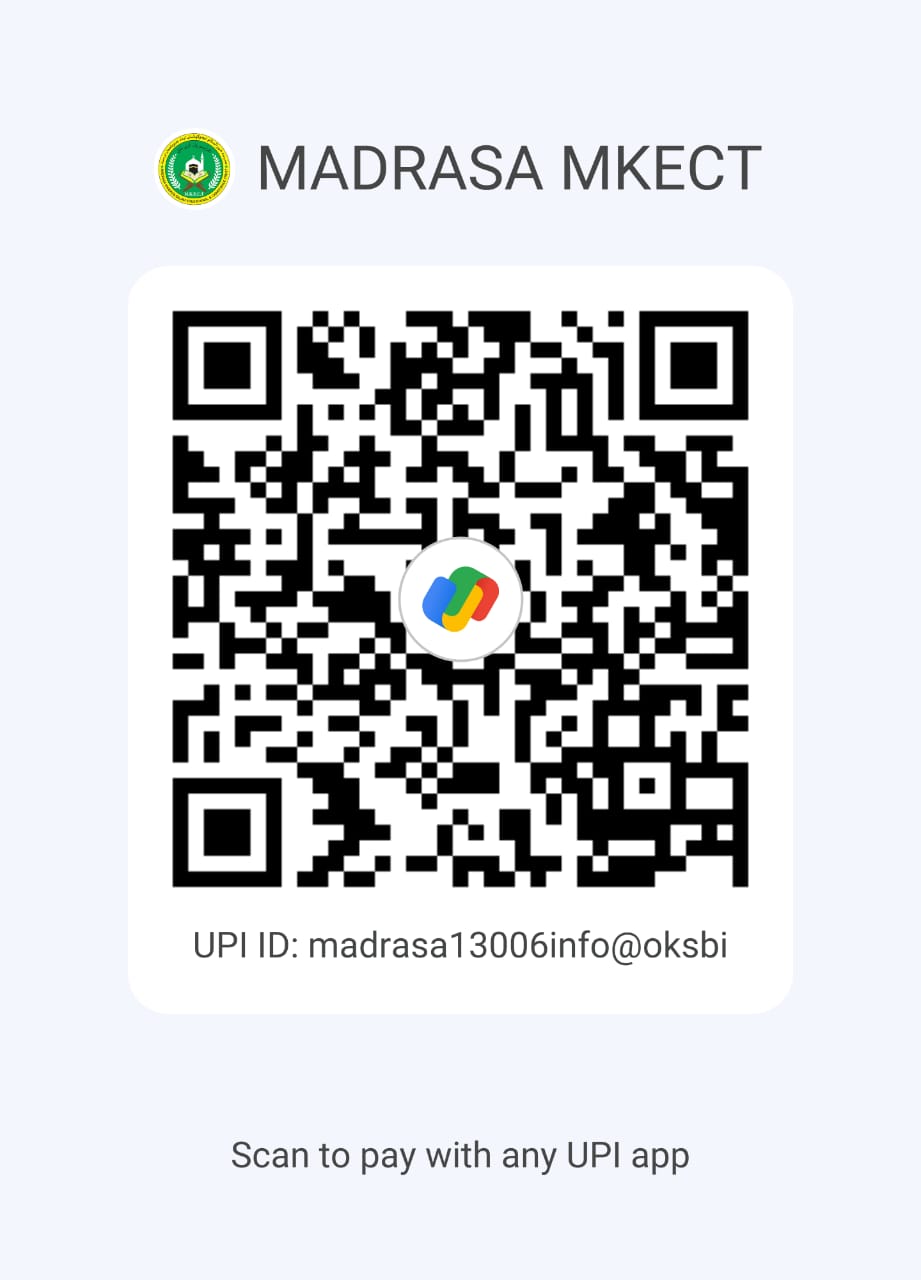
QR code for Zakat and Fitrana

Scan to donate Zakat or Fitrana. Please specify in the payment note: Zakat or Fitrana.

Sadaqah (General)

QR code for Sadaqah donation

One-time or recurring Sadaqah donations to support platform operations and outreach programs.

Sponsor a Student

QR code to sponsor a student

Support the tuition fees of a needy student for 1 month, 6 months, or 1 year. Please include the student ID in the payment note for named sponsorships.

How to Scan & Donate

  1. Open your UPI, banking app, or digital wallet (e.g. PhonePe, Google Pay, Paytm, or your bank app).
  2. Select “Scan QR” and point your camera at the QR code displayed on this page.
  3. Verify the payee name and enter the donation amount.
  4. Add a note (e.g. Zakat, Sadaqah, or Sponsor: [Name/ID]) and complete the payment.

Tip: For recurring support, set up a monthly auto-payment or choose the “Auto-debit” option if available in your app.

Secure & Transparent Giving

All transactions are processed through secure payment gateways. Donor information remains confidential. We publish quarterly donation reports to show how funds are utilized transparently.

  • Receipts are issued for all donations — email your payment confirmation to request an official receipt.
  • Funds are allocated to educational programs, teacher training, and community support initiatives.

Bank Transfer (Optional)

Account Name: Our Muallim Trust

Bank: [Bank Name]

Account Number: [XXXXXXXXXXXX]

IFSC Code: [IFSCCODE]

Note: Please include your name and donation purpose in the transaction reference.

FAQs

Will I receive a receipt?
Yes — email your transaction screenshot to our team, and we will send you an official receipt.
Can I sponsor a specific student?
Yes — select the “Sponsor a Student” QR code and include the student ID in the payment note. Contact us if you would like a named sponsorship certificate.
Are donations tax-deductible?
If our organization is registered for tax exemption, donations may qualify for tax deductions. Please request a receipt for tax filing purposes.

Contact & Support

For donation support, receipts, or sponsorship coordination, please contact our donations team:

Email: donations@ourmuallim.org
Phone / WhatsApp: +91-XXXXXXXXXX
WhatsApp

Chat with Us

×

Hi there! How can we help you?

Start Chat